BMAX Mini PC B1Plus 6GB RAM/64GB eMMC Intel Celeron N3350(up to 2.4GHz) HDMI/VGA
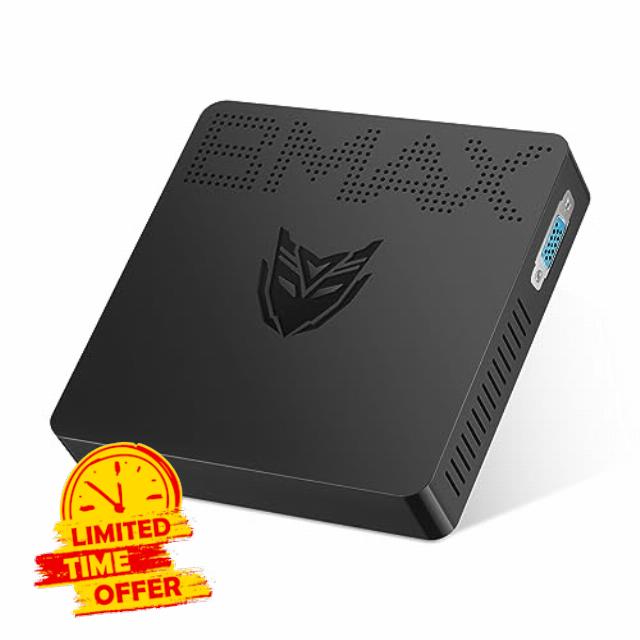
BMAX Mini PC B1Plus 6GB RAM/64GB eMMC Intel Celeron N3350(up to 2.4GHz) HDMI/VGA Port Support M.2_SATA_2280 SSD 4K HD Gigabit Ethernet 2.4G/5.0G Dual WiFi BT4.2 Micro PC
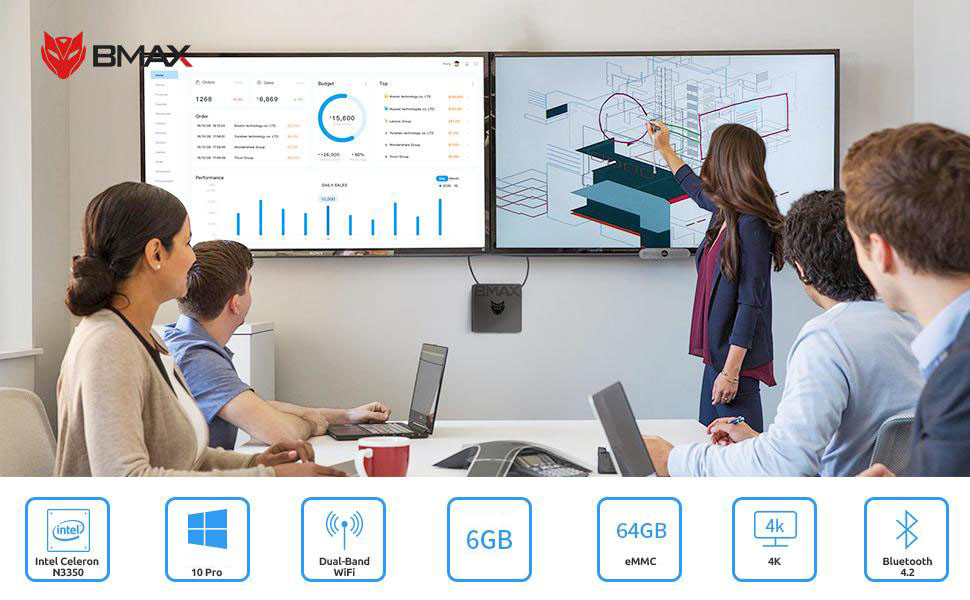
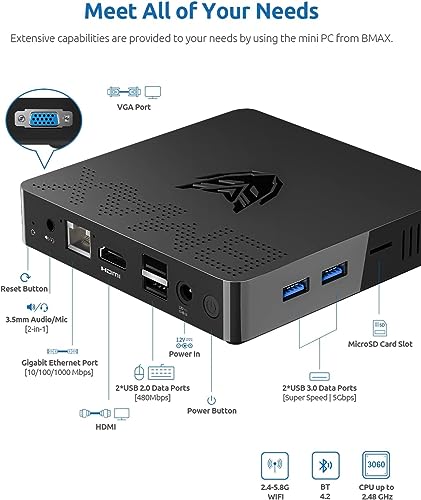
- ⚡【Better Processor】This small mini pc powered by N3350 Processor. It's base operating frequency 1.1 GHz/s rising up to 2.4GHz in burst mode, pre-installed with, supports latest wireless connectivity 802.11ac Dual-Band Wi-Fi, Bluetooth 4.2, LAN 1000Mbps.
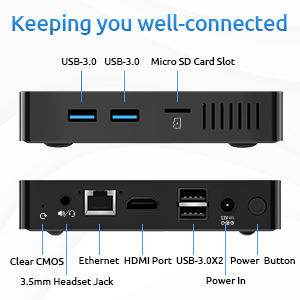
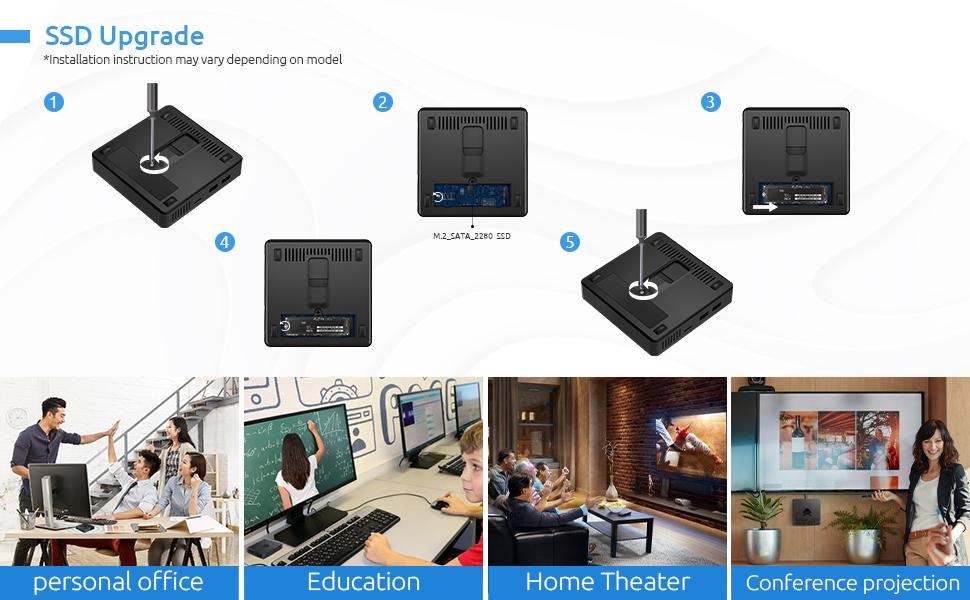
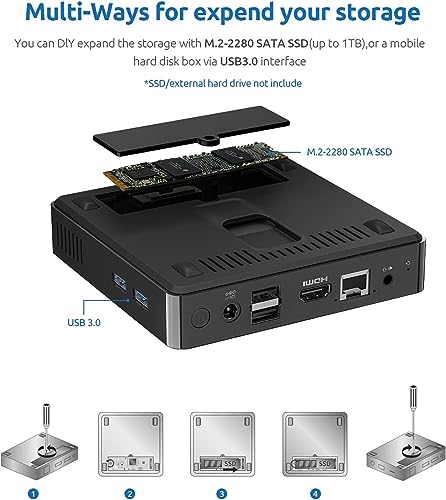
- ⚡【Large Expandable Storage】This mini pc 6GB RAM+64GB eMMC mini computer supports DIY expand the additional storage with M.2_2280 SATA SSD (up to 1TB) and a mobile hard disk box via USB3.0 interface.
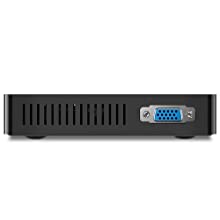
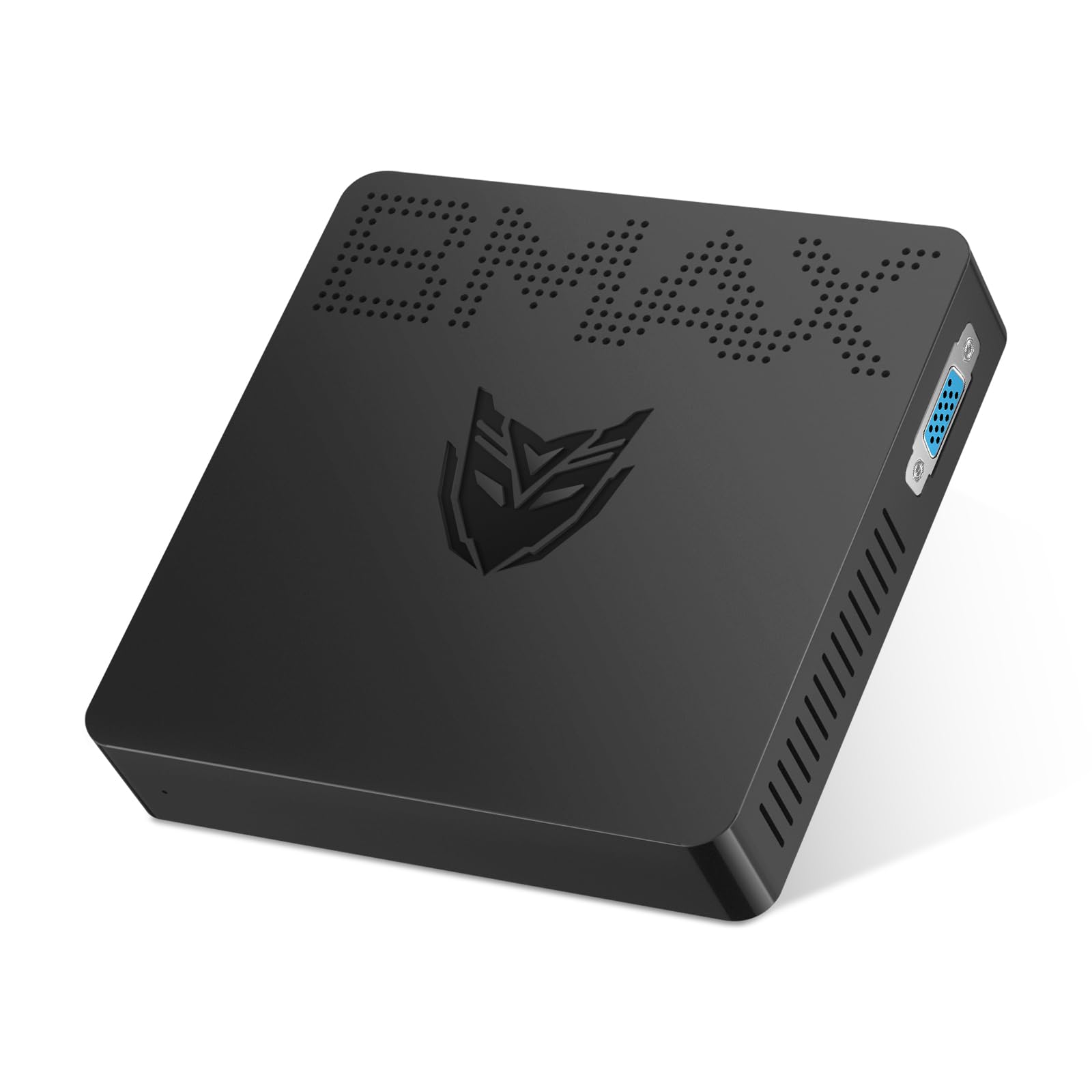
- ⚡【Dual Display & Intel HD graphic】The mini desktop computer supports HD and 4K (3840 x 2160) ultra-high-definition content, you can enjoy 4K Web surfing, video playback, watching TV, home theater, and enjoy the entertainment with your family. HDMI/VGA Port easily connecting two monitors, reduce waiting time, efficiency doubled.
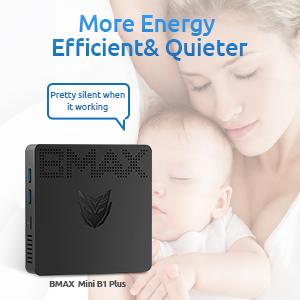
- ⚡【More Energy Efficient & Quieter 】Thanks to fanless design in the thin and light body, this micro pc is a quiet performer, it draws under 6 watts of power, creating an energy-efficient, quiet working environment.
- ⚡【Durable and Reliable Warranty】Each product includes LIFETIME technical support, a worry-free 30-day return and 7 days/ 24 hours serving,12 months of warranty. If you have any questions, please don’t hesitate to contact us and we are 100% guaranteed to solve your problem.



| SKU: | B0CF8CL984 |
| Weight: | 630 g |
| Dimensions: | 27.8 x 15.7 x 7.6 cm; 630 Grams |
| Brand: | BMAX |
| Manufacture: | BMAX |